ダウンロードしていただき、ありがとうございました。
Your download should start automatically. If it doesn't, please click here to retry.
Support Your Customers
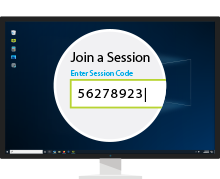
招待する
一意のセッション コードを使用して、クライアントをリモート サポート セッションに招待します。
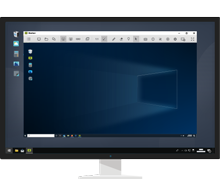
Provide Support
View the screen and control a remote computer or mobile device.
or
常駐接続端末にアクセスします。
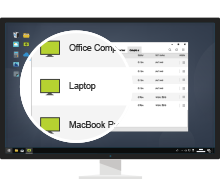
接続
Choose a remote computer and connect to it.
Control Remote Desktop
View the screen and control a remote computer.
Mobile Apps
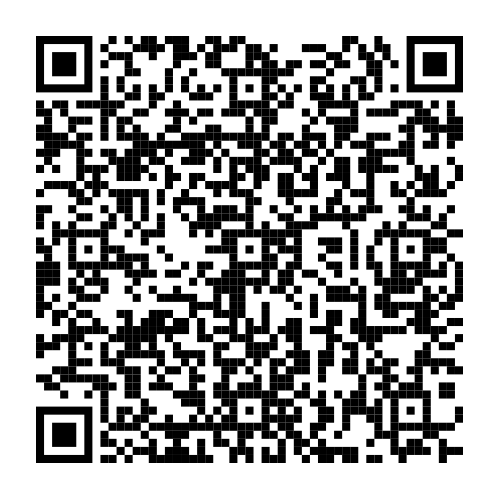
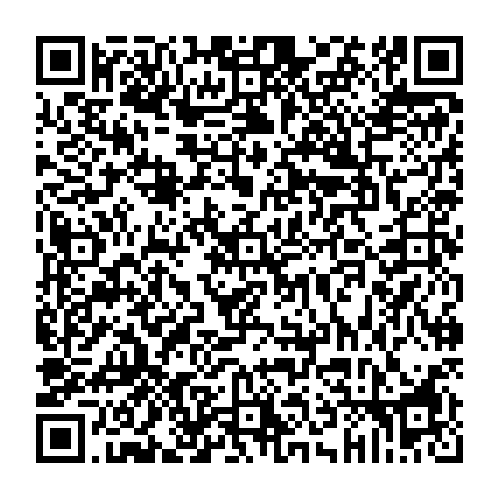
Scan QR code to download ISL Light for mobile.


Try 15 Days For Free
Enjoy your new remote desktop experience!
No credit card required.

Bundle with PDQ: Secure, Patch, and Manage Devices
Discover PDQ Connect - a modern tool for managing remote and local devices. Automate deployments with prebuilt and custom packages, gain essential inventory insights, patch vulnerabilities automatically, and support end users with built-in remote desktop.

