Mobile Apps
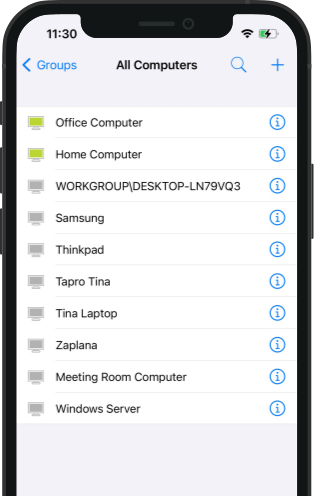
Support mobile devices remotely and troubleshoot remote computers on the go.
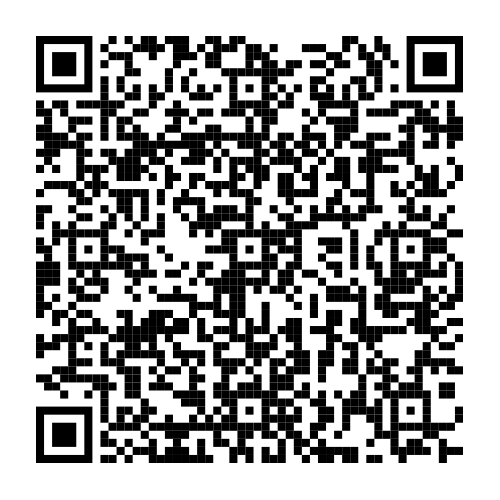
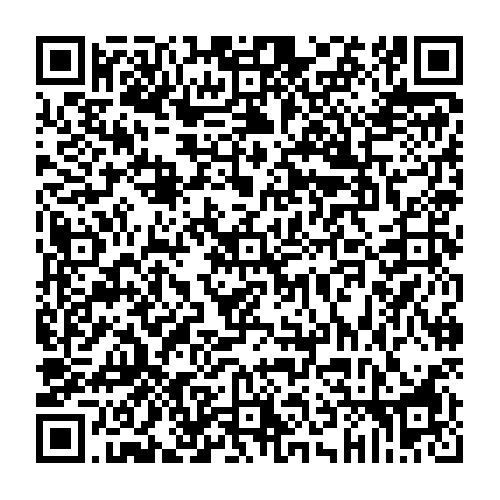
Scan QR code to download ISL Light for mobile.


All Products
The complete suite of ISL Online products.
Remote Support
-
Download
Provide remote desktop support or access unattended computers.
-
Download
Receive remote desktop support from the help desk operator.
-
Download
Receive remote desktop support from the help desk operator.
-
Download
Receive remote desktop support from the help desk operator.
Live Chat
-
Download
Provide technical support to your website visitors via Live Chat.
Web Conference
-
Download
Host or join an online meeting from your iPhone or iPad.
-
Download
Host or join an online meeting from your Android device.
ISL Tools
-
Download
Monitor the availability of the ISL Online's global network of servers or test your own ISL Conference Proxy server installation.
-
Download
Open and view the sessions recorded with the ISL Online software. It also allows you to convert the recorded .isr file into the AVI format.
Beta Versions
Beta Versions of ISL Online products.
Remote Support
-
Try Beta
Receive remote desktop support from the help desk operator.
-
Try Beta
Receive remote desktop support from the help desk operator.
Web Conference
-
Try Beta
Host or join an online meeting from your iPhone or iPad.
Try 15 Days For Free
Enjoy your new remote desktop experience!
All features included. No credit card required.

Bundle with PDQ: Secure, Patch, and Manage Devices
Discover PDQ Connect - a modern tool for managing remote and local devices. Automate deployments with prebuilt and custom packages, gain essential inventory insights, patch vulnerabilities automatically, and support end users with built-in remote desktop.